What is in the preview
Chapters 1 to 10, the Daily Incident, and the three field training missions are free. Chapters 11 to 15 are the full game, described below. Field Operations is not in the Android version yet. When a breach goes deep, you can spend credits that you earn from finished missions on an emergency action or on attacker intel. The iPhone version does not have these yet.
Your progress stays on the phone. It does not sync with the iPhone version.
Buy the full game
The free app has Chapters 1 to 10, the Daily Incident and the three field training missions. The full game adds Chapters 11 to 15. It is a single payment of 4.99 US dollars plus any tax that applies where you live, with no subscription. Stripe is the seller: it takes the payment and adds the tax on its own page, so this site never sees your card details.
After you pay, you land on a page that shows your licence, and the same licence is emailed to you. The licence is checked on your phone. The app has no network access, and nothing is sent anywhere when you unlock. You need version 0.1.3 or later of the app. If the email does not arrive, use the support page.
- Pay with the button below.
- Copy the licence from the page you land on, or open that page on your phone and tap Open in the app.
- In the app, choose Enter licence on the campaign map and paste it.
Buy the full game, $4.99 + tax
What's new
0.1.3: you can buy the full game (Chapters 11 to 15) and enter its licence in the app, with a Buy button on the campaign map and on each locked chapter. Credits can be spent on the recovery aids (Intel and Surge).
0.1.2: names on the board are no longer cut off at the screen edge in the bigger chapters.
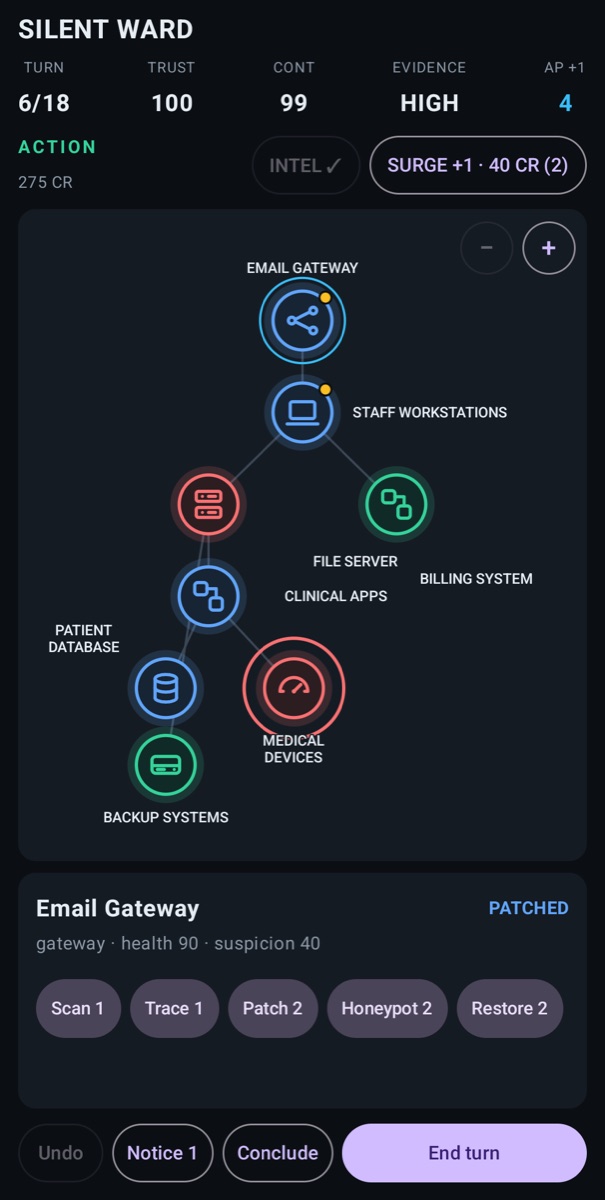
0.1.1: every system on the board is drawn with an icon for its kind (laptop, server, database, gateway and so on), as on the iPhone version.
0.1.0: the first preview.
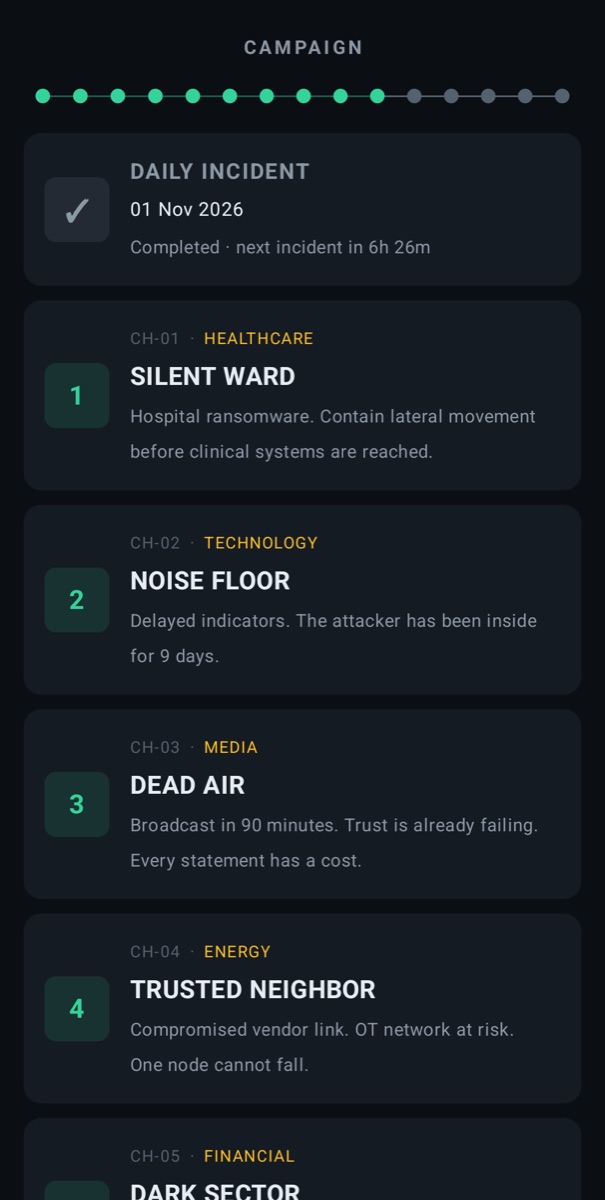
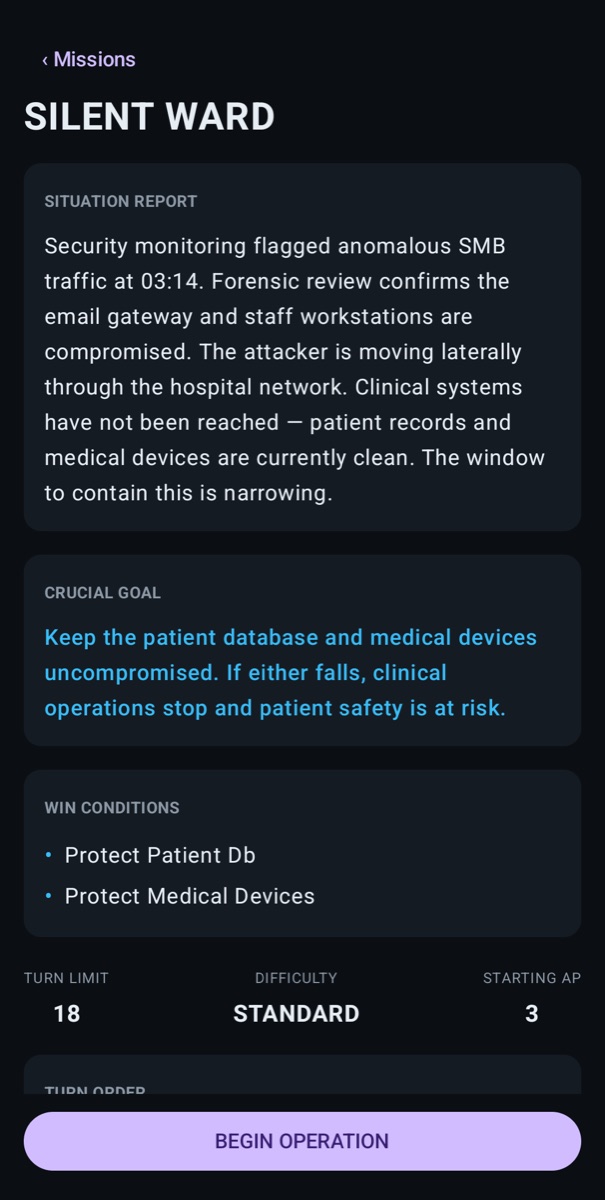
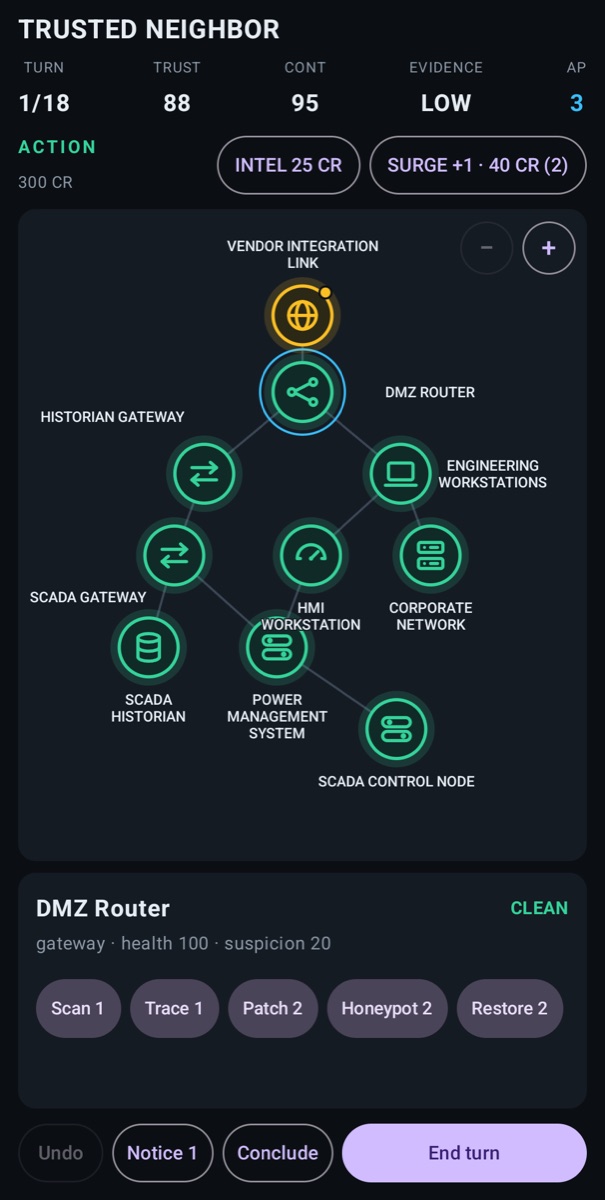
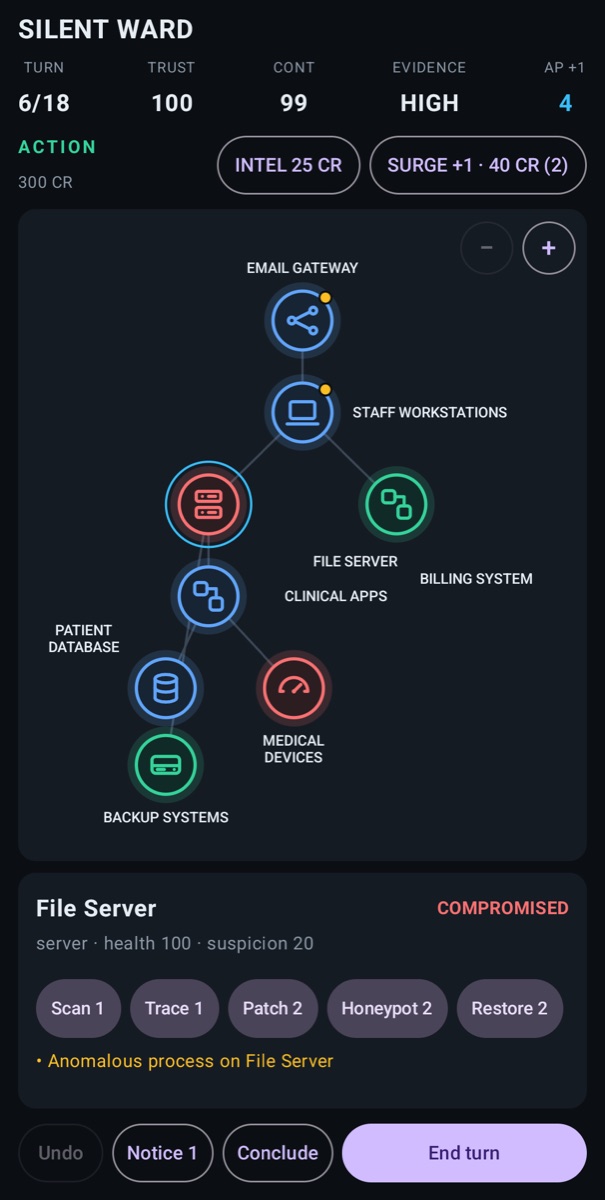
Screenshots
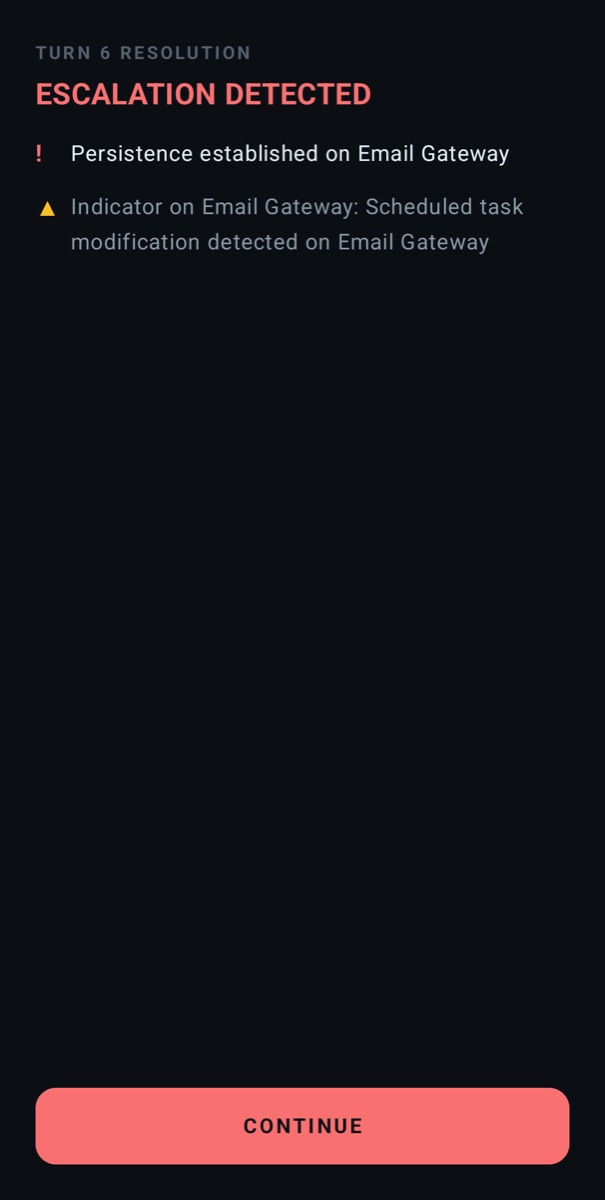
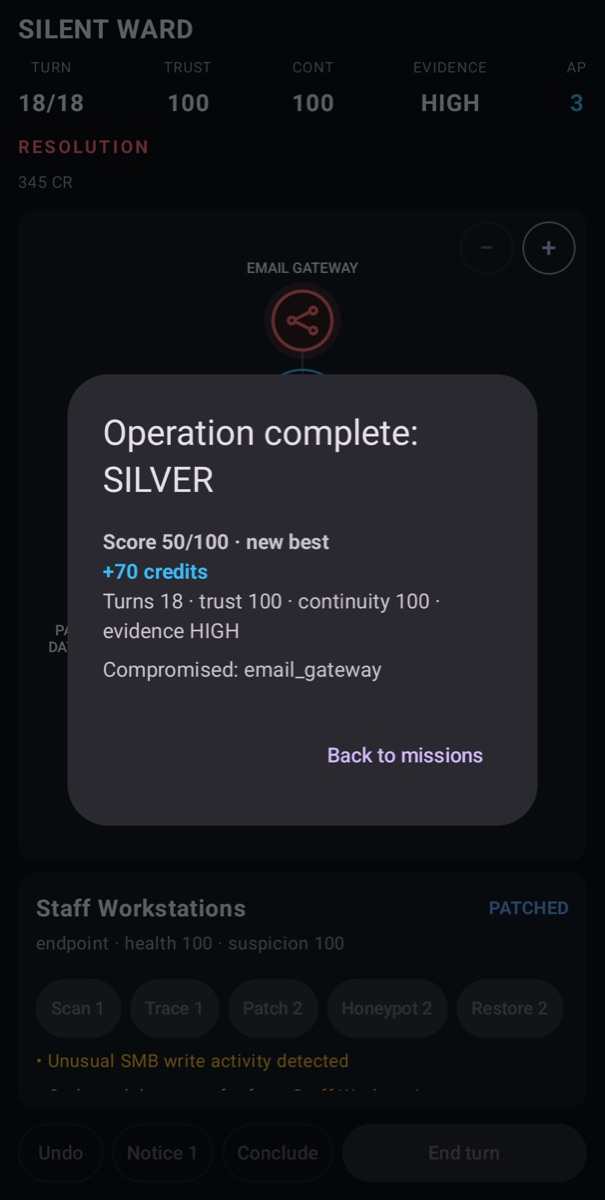
Taken on an Android emulator with version 0.1.3.
What you need
An Android 8.0 or later phone with a 64-bit ARM processor, which covers nearly every phone sold since 2017. It does not run on x86 emulators. So far it has been tested on an Android 16 emulator, not yet on a wide range of phones. If something goes wrong, tell us which phone and Android version you have.
How to install it
- Download the APK on your phone.
- Open it from your browser's downloads or from the Files app. Android asks you to allow installs from that app (on GrapheneOS: Install unknown apps for the browser or file manager). Allow it for this one install, and switch it off again afterwards.
- Tap Install, then open Zero Day Command.
Updates are not automatic. Check this page for a newer version and install it over the old one; your progress is kept because the signing key is the same.
Check the download
Compare the file with these two values before you install it.
SHA-256 of the APKa7e725e9498600439dfc85ab7a6debac7abee4704b0f6387bbd2151ec7881d58
Signing certificate (SHA-256)A4:EE:1F:F4:B0:64:18:65:7F:AE:E3:45:E5:1F:1C:8E:31:9F:75:CE:F8:42:0E:FC:53:C4:32:3D:97:5E:31:80
On a computer, shasum -a 256 zero-day-command-0.1.3.apk prints the first value, and apksigner verify --print-certs zero-day-command-0.1.3.apk prints the second. On a phone, an app such as AppVerifier can compare the certificate of a downloaded APK. Every later version will be signed with the same certificate; if the value ever differs, do not install it.
Privacy
The app has no network access and collects nothing. Buying the full game happens on this website, with Stripe, and is covered in the privacy policy. Read the full Android section.
Other ways to get it
A listing in Accrescent, the app store used on GrapheneOS, is planned. When it is available it will be linked here. The iPhone version is on the App Store.